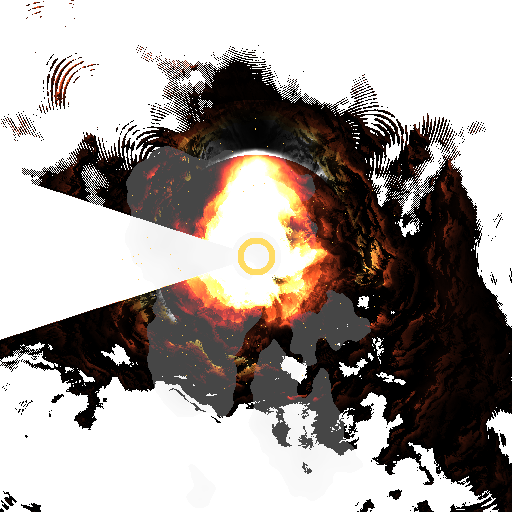
What is the Explosion Simulation Software?
The Explosion Simulation Software is a procedural graphics tool designed to generate realistic explosion effects through algorithmic simulation.
Instead of relying on pre-recorded assets or stock footage, the system produces explosions dynamically using mathematical noise, particle dispersion, and layered visual effects.
The result is a controllable explosion animation that can be generated, modified, and exported directly from code.
This type of system is useful for visual effects experimentation, procedural graphics research, and creative simulation projects.
The Problem It Solves
Creating explosion effects usually requires:
- complex VFX software
- heavy simulation engines
- large asset libraries
- time-consuming manual animation
For developers, researchers, or technical artists, this makes it difficult to experiment with procedural explosion generation.
The Explosion Simulation Software approaches the problem differently by generating the entire effect algorithmically.
Instead of editing animations frame by frame, the explosion emerges from mathematical rules controlling energy, dispersion, turbulence, and decay.
What the Software Does
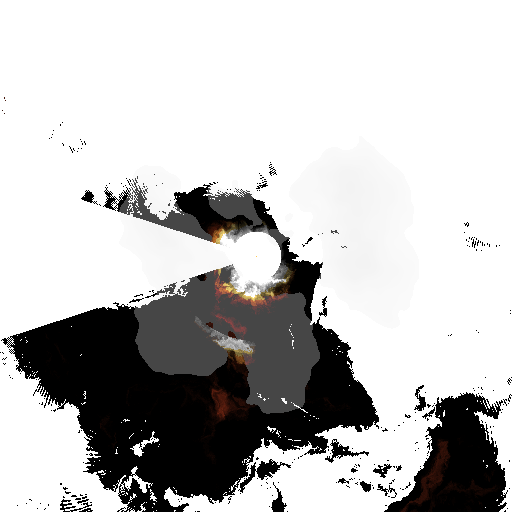
The system generates explosion animations using layered procedural techniques.
It simulates:
• expanding blast waves
• particle dispersion
• turbulent motion using noise functions
• radial energy propagation
• frame-by-frame visual evolution
The result is an animated explosion sequence that emerges organically from the simulation process.
Each generated explosion can vary depending on parameters such as:
- explosion intensity
- turbulence level
- particle spread
- duration of the blast
Key Features
Procedural Explosion Generation
Explosions are generated through code rather than pre-rendered assets.
Noise-Based Turbulence
The simulation uses noise functions to produce organic and chaotic motion typical of real explosions.
Frame-Based Animation System
The explosion evolves over multiple frames, allowing the simulation of blast expansion and dissipation.
Parameter Control
Explosion characteristics can be adjusted by modifying simulation parameters.
Image Sequence Output
The system can generate frame sequences that can later be used for animation or visual effects pipelines.
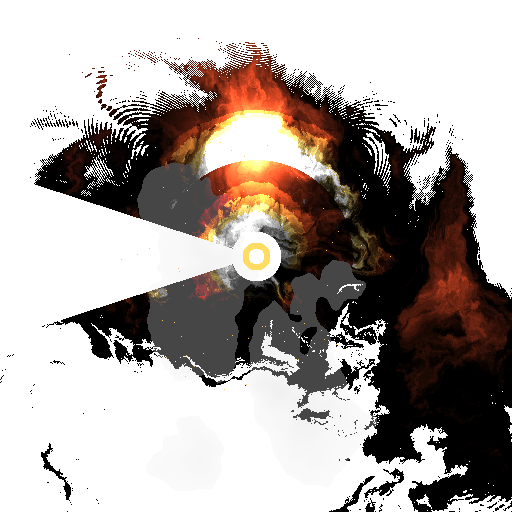
Technical Approach
The simulation combines several procedural graphics techniques:
Particle dispersion
Particles expand radially from the explosion center, simulating the initial blast force.
Noise-driven turbulence
Perlin noise is used to introduce irregular motion patterns that mimic chaotic explosion dynamics.
Energy decay
Over time, the explosion dissipates as particle density and intensity decrease.
Frame synthesis
Each frame is generated programmatically to build a complete animation sequence.
The implementation uses tools such as:
- Python
- NumPy
- PIL (Python Imaging Library)
- Noise functions
This combination allows the simulation to generate complex visuals while remaining relatively lightweight.
Potential Applications
This type of procedural explosion generator can be used for:
- visual effects experimentation
- technical art projects
- generative graphics research
- prototype VFX tools
- educational demonstrations of procedural animation
- simulation development
It also serves as a foundation for more advanced systems such as:
- particle engines
- real-time explosion rendering
- game engine effects
Research and Development Value
The project explores how complex visual phenomena can emerge from mathematical simulation rather than manual animation.
By combining noise fields, particle systems, and energy propagation models, the software demonstrates how procedural algorithms can produce dynamic and natural-looking visual effects.
This approach is widely used in modern:
- game engines
- simulation software
- VFX pipelines
- generative art systems
Nivel 3 > 1. Modelo térmico continuo

Nivel 3 > 2. Iluminación volumetrica falsa

Nivel 3 > 3. Autosombreado

Nivel 4 > 4. Boom
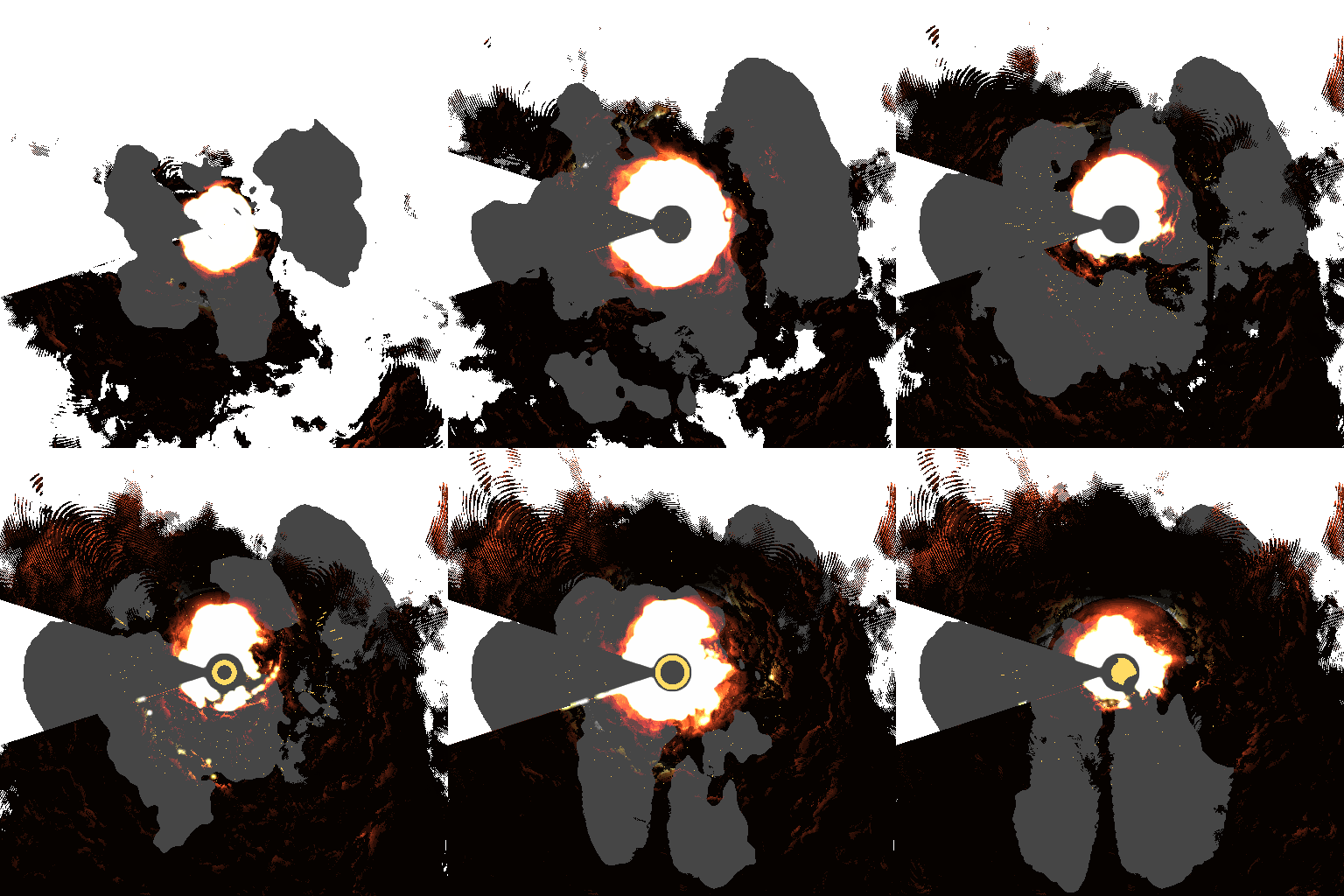
Nivel 4 > 2. Tone Mapping

Nivel 4 > 3. Volumetric smooth

Nivel 4 > 4. Color gradient termico

Nivel 5 > 3.Shockwave

Nivel 5 > 3.Head Distortion

Nivel 5 > 3.Motion Blur
