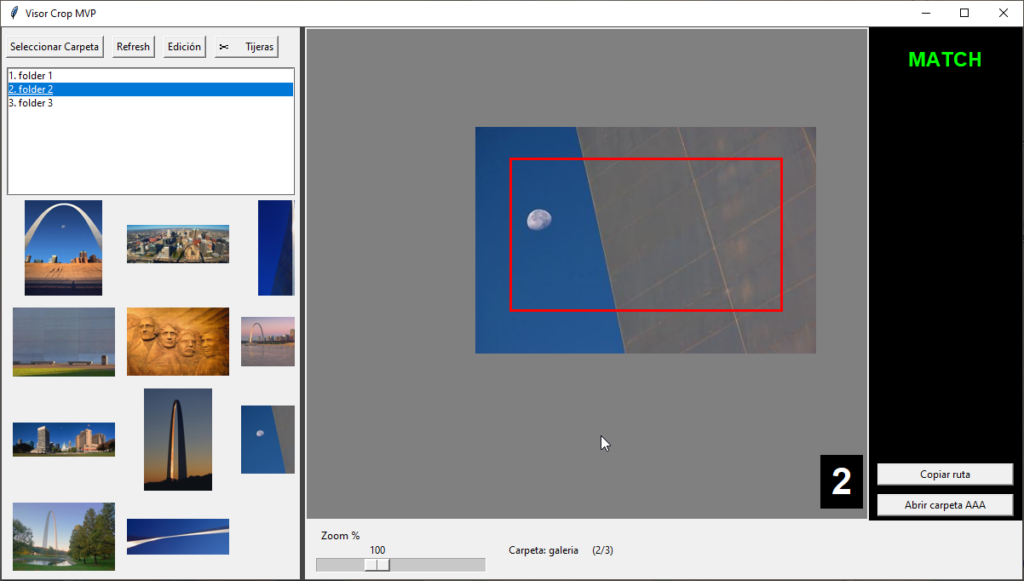
What is the Python Image Crop Viewer?
The Python Image Crop Viewer is a lightweight desktop tool designed to visually crop images and save the results quickly and efficiently.
The application allows users to load images, select the desired crop area, and export the cropped result immediately. It is especially useful for workflows where large numbers of images need to be trimmed or standardized before further processing.
Distributed as a standalone executable, the tool runs locally without requiring Python installation or external dependencies.
The Problem It Solves

When working with large sets of images, cropping becomes a repetitive and time-consuming task.
Many available solutions introduce unnecessary complexity:
- heavy image editors
- slow loading times
- multi-step export workflows
- manual repetition for each image
For production pipelines where images must be quickly trimmed to the correct frame, these tools can slow down the entire process.
The Python Image Crop Viewer solves this by providing a minimal interface focused only on fast cropping and saving.
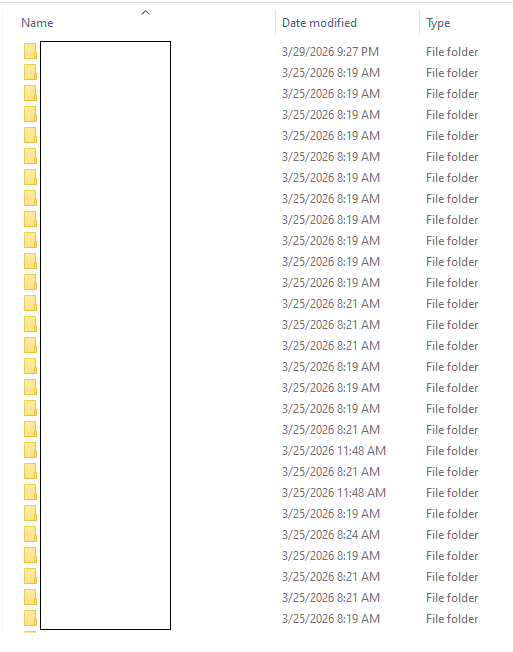
What the Software Does
The tool provides a simple visual interface where users can crop images interactively.
It allows users to:
• load an image instantly
• visually define the crop area
• adjust the crop selection
• export the cropped image
• repeat the process quickly across multiple files
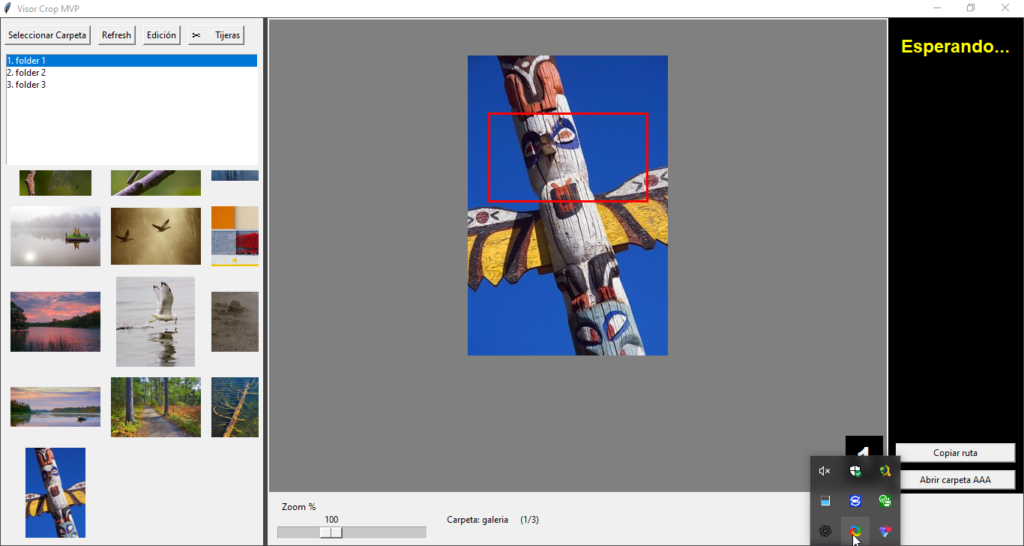
The focus of the software is speed and simplicity, making the cropping workflow as fast as possible.
Key Features
Visual Crop Selection
Users can select the exact portion of the image they want to keep using a visual frame.
Instant Image Export
Cropped images can be saved immediately after selection.
Lightweight Interface
The application avoids unnecessary editing tools, focusing exclusively on cropping.
Standalone Executable
The program is packaged as an executable file, allowing it to run without installing Python.
Efficient Image Workflow
Designed for situations where images must be processed quickly and consistently.
Workflow Integration
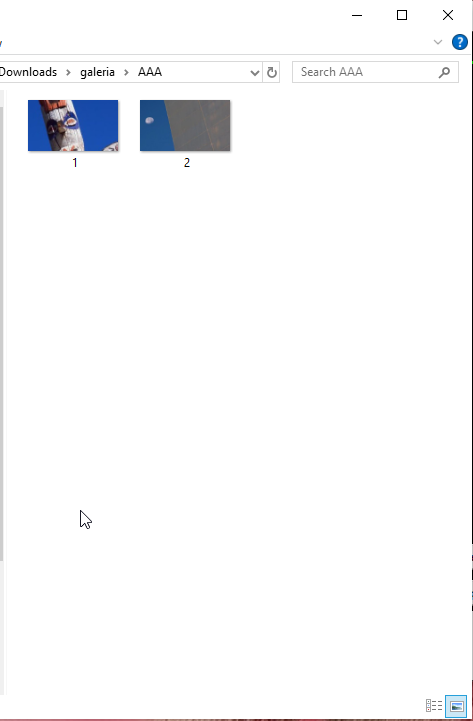
The Python Image Crop Viewer works particularly well as part of a multi-step image processing pipeline.
Typical workflow:
- Capture or collect source images
- Use the crop viewer to trim the frame
- Export the cleaned images
- Apply compression or optimization tools
This approach ensures images are prepared correctly before final optimization or publishing.
Ideal Use Cases
The tool is useful for anyone handling large numbers of images, including:
- content creators
- web publishers
- photographers
- graphic designers
- digital archivists
It is especially effective in workflows where images must be quickly cropped before further processing.
Technical Overview
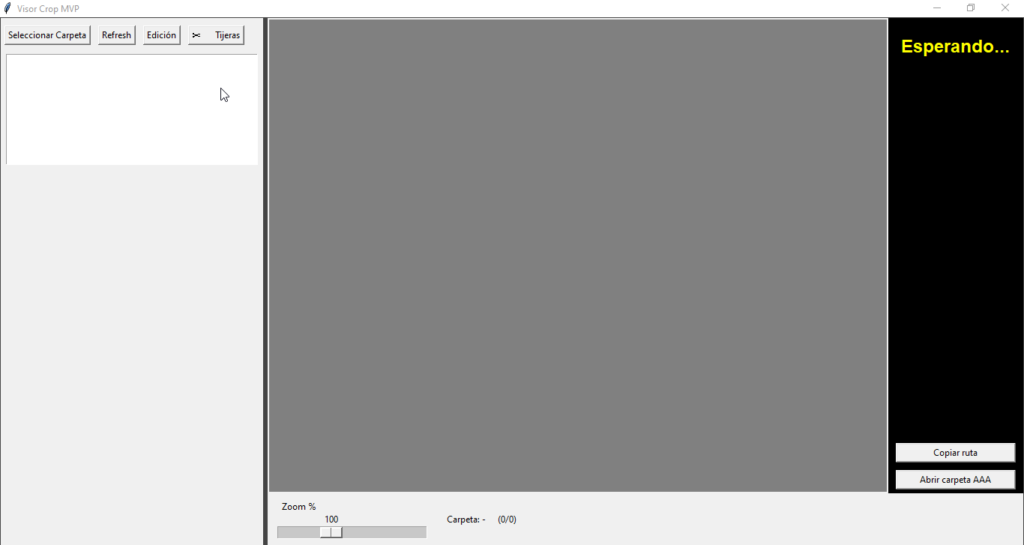
The software is built using Python with image processing libraries that allow efficient loading, rendering, and cropping of images.
Key components include:
- image display interface
- interactive crop selection
- coordinate-based cropping system
- fast image export functionality
The application is packaged into a standalone executable, allowing it to run independently of the development environment.